Reflect your real venue
Configure service areas, capacity, and opening times around the physical operation.
Operational insight
Shape areas, access, and workflows around the way your venue actually operates.
Inside the platform
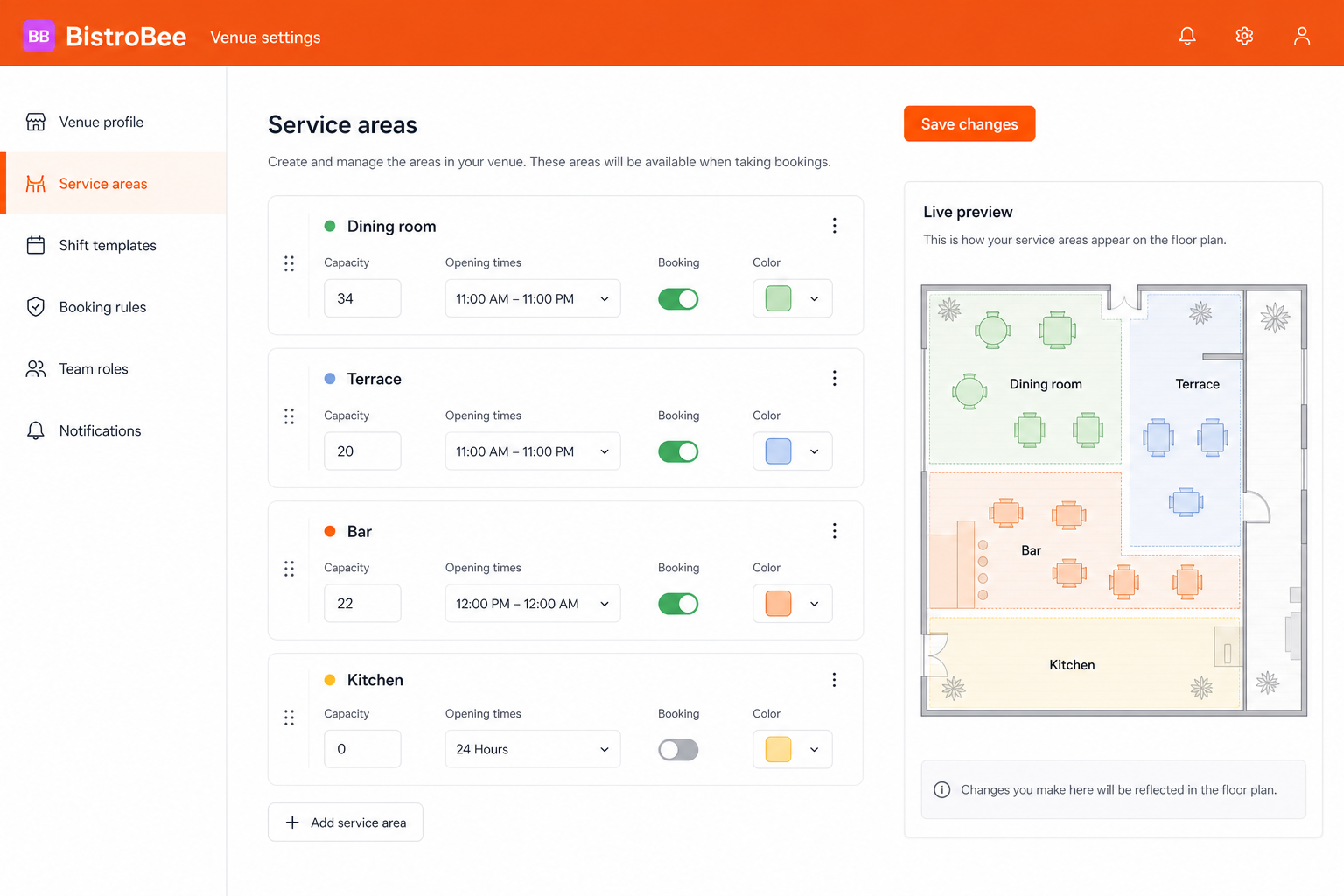
This illustrative product view shows how venue customization keeps the relevant people, details, and next actions together.
Why it matters
Configure service areas, capacity, and opening times around the physical operation.
Set useful shift, booking, role, and notification rules once.
Update the operating model as spaces, services, and responsibilities evolve.
How it works
A focused workflow keeps the operational detail visible without making the process heavier.
Add the spaces, capacities, and operating details that make your venue distinct.
Configure booking, shift, role, and notification behaviour for the team.
Check how the settings appear in daily workflows before saving changes.
Your next service
See how BistroBee can bring your team, bookings, tables, and venue performance into one operational view.