Put today first
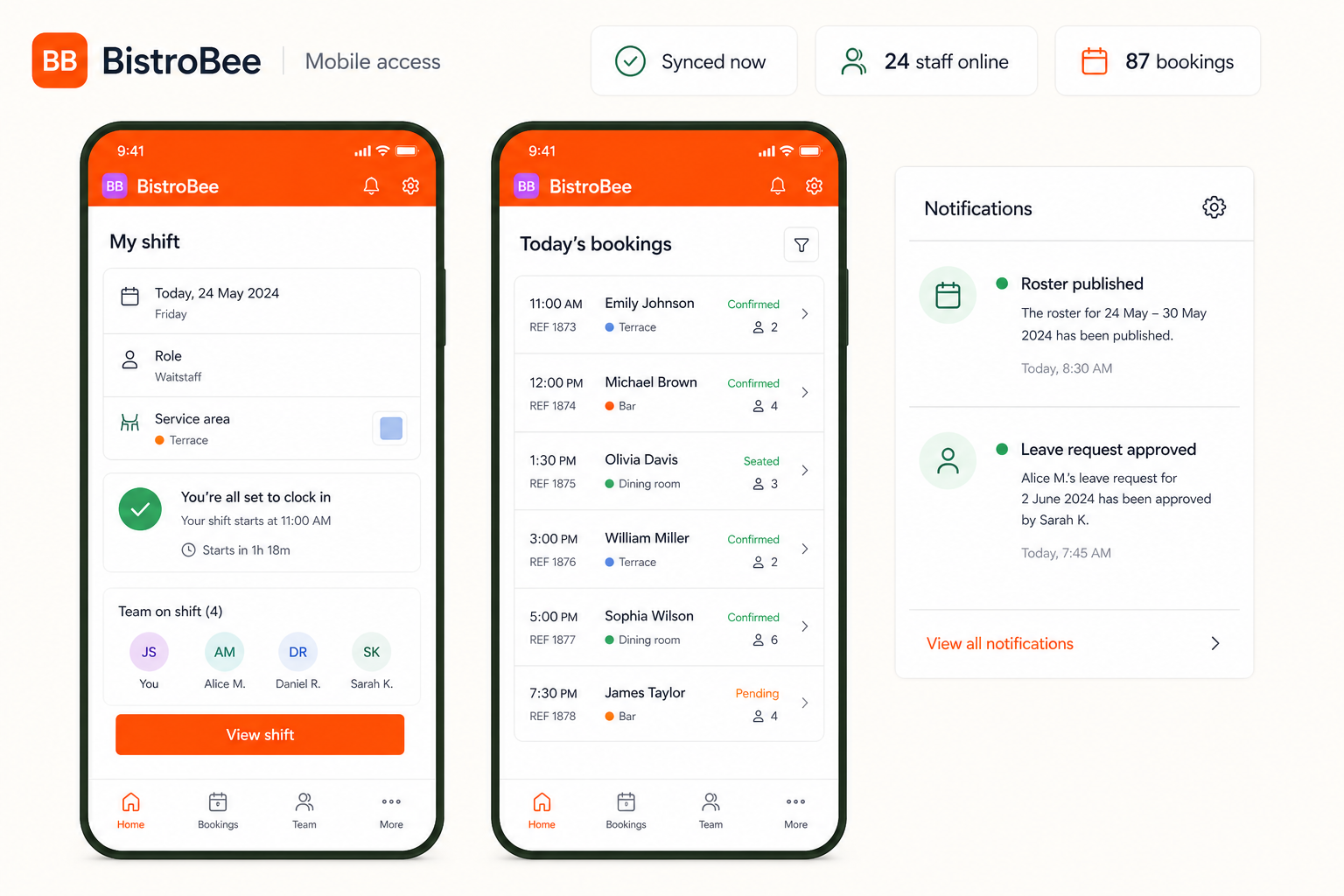
Give each team member quick access to the shift, role, and service area that matters now.
Operational insight
Give managers and teams useful information wherever the shift takes them.
Inside the platform
This illustrative product view shows how mobile access keeps the relevant people, details, and next actions together.
Why it matters
Give each team member quick access to the shift, role, and service area that matters now.
Keep booking and roster information available away from the office screen.
Surface roster publications, leave decisions, and other useful updates promptly.
How it works
A focused workflow keeps the operational detail visible without making the process heavier.
See the next shift, assigned area, and the team working alongside you.
Check the current booking picture and useful operating details from mobile.
Receive the roster and leave notifications that keep plans aligned.
Your next service
See how BistroBee can bring your team, bookings, tables, and venue performance into one operational view.