Control access by role
Match permissions to the responsibilities of managers, leads, and staff.
Operational insight
Support responsible access and data handling across the venue team.
Inside the platform
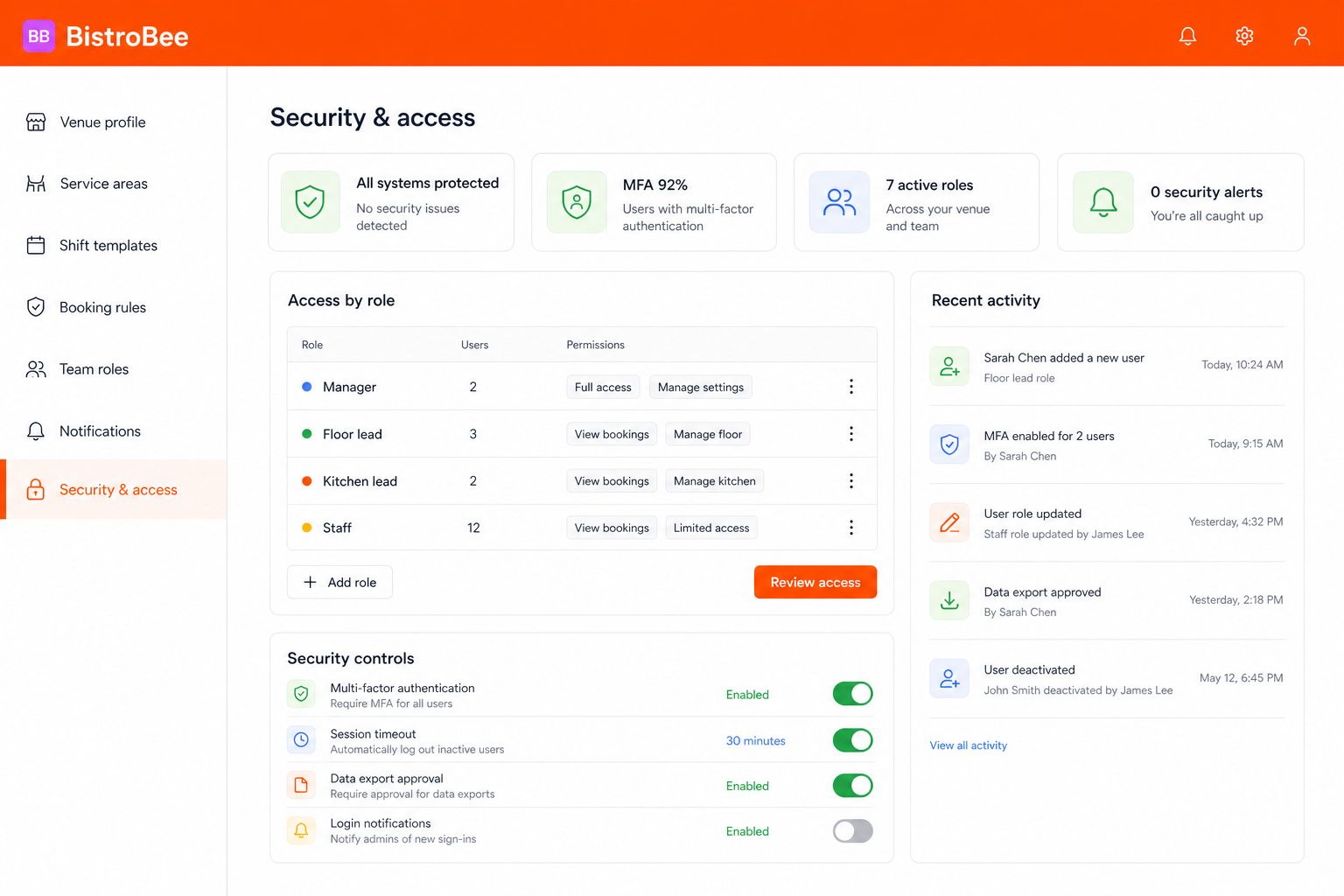
This illustrative product view shows how data security keeps the relevant people, details, and next actions together.
Why it matters
Match permissions to the responsibilities of managers, leads, and staff.
Review important account and access changes in a clear recent-activity view.
Bring authentication, sessions, exports, and login notifications into one settings area.
How it works
A focused workflow keeps the operational detail visible without making the process heavier.
Set practical access boundaries for the people who use the venue workspace.
Configure sign-in, session, notification, and data-export safeguards.
Use the activity trail and role summary to keep access appropriate over time.
Your next service
See how BistroBee can bring your team, bookings, tables, and venue performance into one operational view.