See demand over time
Read arrivals, table demand, and availability across the whole service.
Guest flow
Keep availability current and give the team one reliable view of incoming guests.
Inside the platform
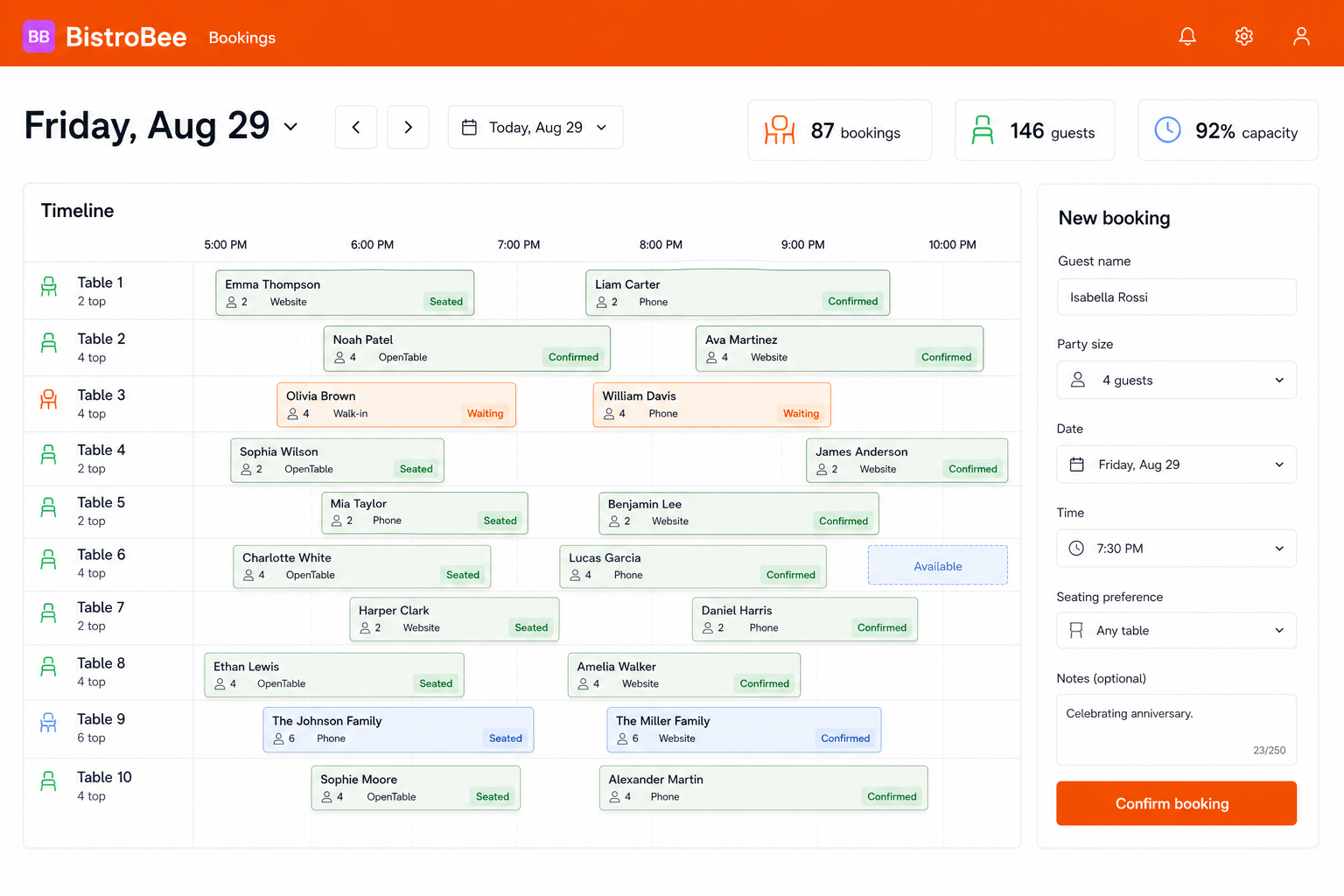
This illustrative product view shows how booking system keeps the relevant people, details, and next actions together.
Why it matters
Read arrivals, table demand, and availability across the whole service.
Keep party size, source, seating preference, and notes with the reservation.
Keep confirmed, waiting, and seated bookings visible to the people running the room.
How it works
A focused workflow keeps the operational detail visible without making the process heavier.
See the service timeline before promising a time or table.
Capture the guest and visit details your team will need on arrival.
Move bookings through confirmed, waiting, and seated as the room changes.
Your next service
See how BistroBee can bring your team, bookings, tables, and venue performance into one operational view.