Plan by service area
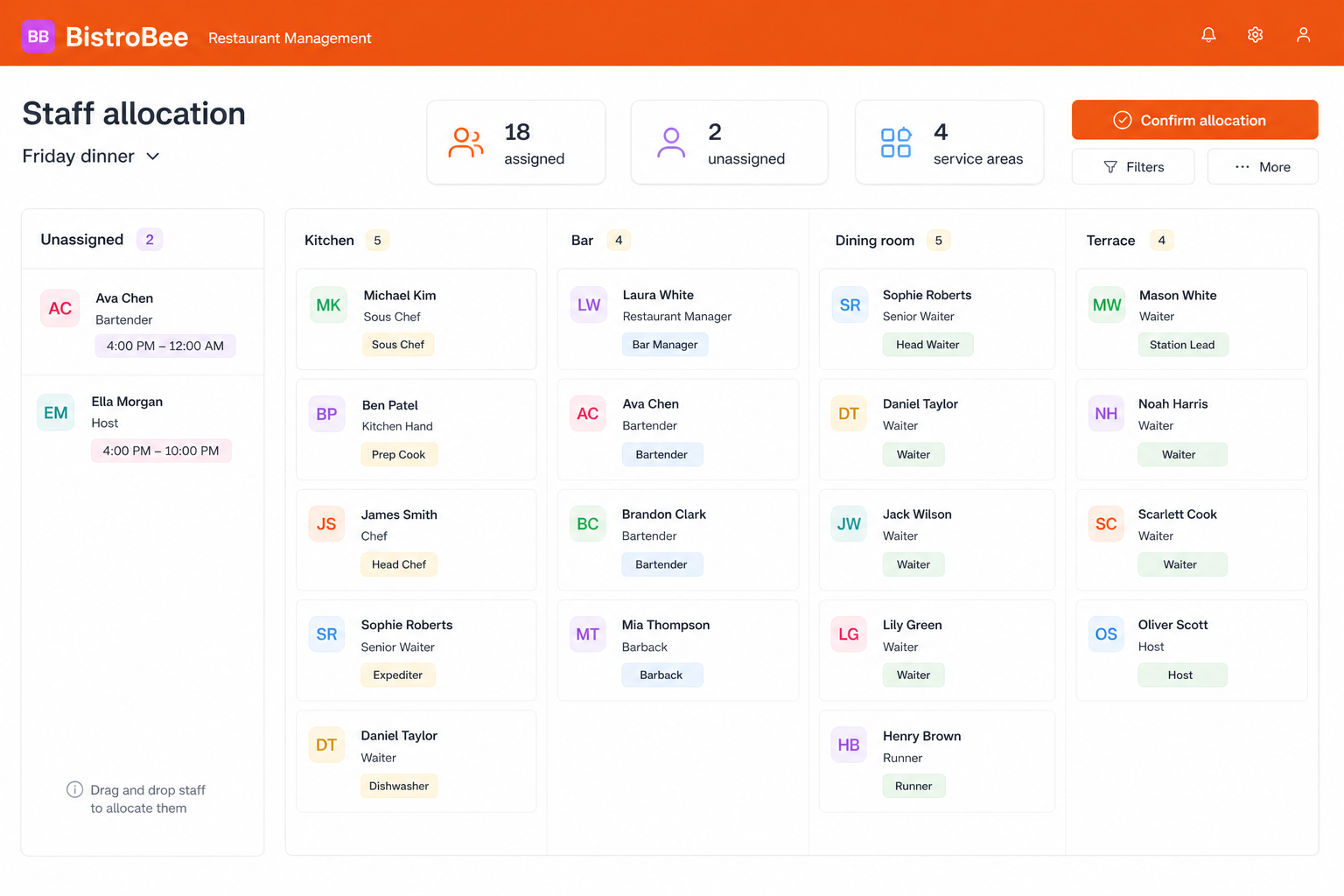
See kitchen, bar, dining room, and terrace coverage side by side.
Team planning
Put the right people in the right sections and roles for each service.
Inside the platform
This illustrative product view shows how staff allocation keeps the relevant people, details, and next actions together.
Why it matters
See kitchen, bar, dining room, and terrace coverage side by side.
Use role and availability context to make practical allocation decisions.
Keep gaps and unplaced team members visible before the briefing starts.
How it works
A focused workflow keeps the operational detail visible without making the process heavier.
Open the shift you are preparing and see everyone rostered to work.
Place each person into an area and role that suits the service plan.
Review coverage across every area and share the final allocation.
Your next service
See how BistroBee can bring your team, bookings, tables, and venue performance into one operational view.